
- Evolution 500 Series, B20CS50SN
- Evolution 800 Series, B20CS80SN
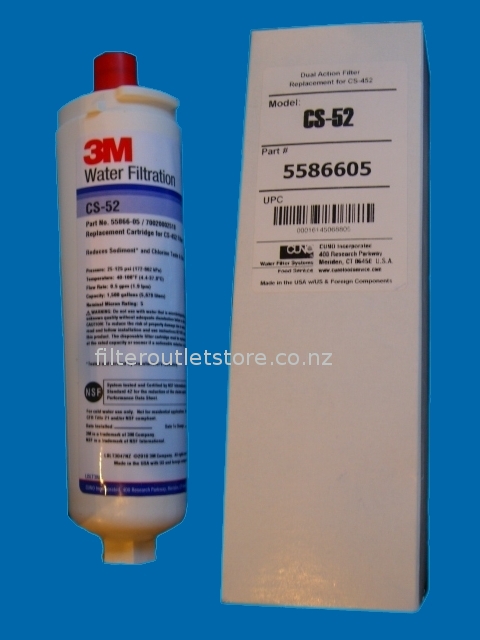
The CS-52 replaces the following filter part numbers:
- CunoOCS
55866-05, 55866-06, CS-51, CS-450, CS-452, 70020002518, EVOLFLTR10, Zenith 52000NZ 150mm,
The CS52 Filter removes the following impurities from your drinking water:
- 86.0% of Chlorine
- Sediment
- does not remove Fluoride
The CS-52 cartridge is tested and certified by NSF International to meet or exceed
NSF/ANSI Standard 42
Installing your new water filter:
1. Disconnect the refrigerator water supply and unplug the refrigerator
2. Push the button at the top of the filter case and remove the case from the compartment
3. Twist the old filter a quarter-turn counterclockwise
4. Pull the filter straight out and discard
5. Remove the protective cap from the new filter
6. Push the new filter into the fridge until it stops
7. Twist the new filter a quarter-turn clockwise
8. Replace the filter case back into the compartment
9. Reconnect the refrigerator water supply and plug the refrigerator back in
- Reset the "change filter" indicator light:
Bosch / Siemens / Neff / Gaggenau fridges: Press and hold the Water Filter Reset button for 5 seconds. Newer models: Press the Options button until the "filter change" function is selected, and then press selection button "+" or "-" until the "filter Change" display goes out.
Connect With Us